Runs and versions
You can follow every run while it happens and inspect it after it ends, and every run records the exact version of the definition it executed. This page covers both: following runs and managing versions.
Follow a run while it happens
Start a run and the canvas updates live: each node's color reflects its live status, and the panel below streams the run as it happens. The LOG tab is the real-time log stream, including everything your code steps print. The STEPS tab lists each step with its status and duration, and clicking a node shows exactly what went in and what came out of it. The OUTPUT tab holds the workflow's final result.
A run is running until it ends as completed, failed, or cancelled. When a run fails, it records the real cause: which step, which error, and the plugin's error code. When a workflow waits (on a signal, on a person, on Jira), the run parks: it consumes nothing while parked and survives restarts, whether the wait takes minutes or days.
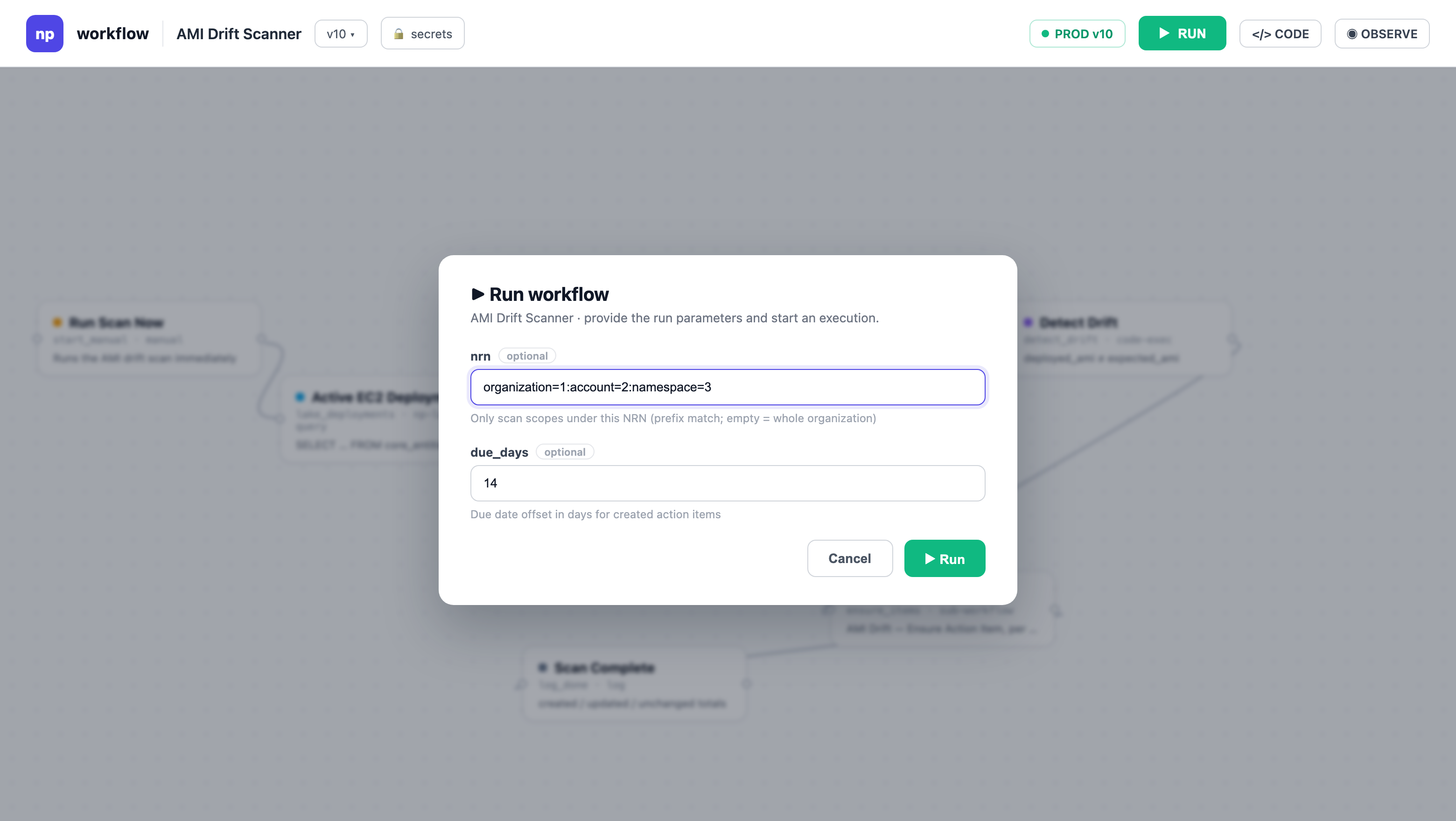
For workflows with a manual trigger, the RUN dialog is the entry point: it renders the trigger's declared inputs as a form, and the submitted values become the run's inputs.
Every save is a new version
Every save creates a new, immutable version of the definition. Versions are never edited in place or deleted, so saving is always safe: a run permanently points at the version it executed, and you can read old versions any time.
Aliases decide which version runs. An alias is a named pointer, like live or staging, that you move between versions. The automatic latest alias always tracks your newest save. To ship a change, point an alias at the new version; to roll back, point it at the previous one. Two aliases of the same workflow can be active at once on different versions, so you can test a new version while the current one keeps serving.
Activate an alias to go live
Activation is the one action with side effects. Activating an alias registers everything its triggers need: schedules start firing, webhook URLs are created, event subscriptions start listening. Deactivating removes all of them at once.
Until you activate, nothing is live: you can save as many versions as you want, run them by hand from the editor, and nothing fires on its own. When something needs a stable live endpoint (a webhook consumed by an external system, for example), activate a named alias rather than relying on latest, so saving a new version doesn't silently change what's running.
Next steps
- Triggers: what activation provisions, trigger by trigger
- Limits: why a long or heavy run fails, and which setting raises it
- Your first workflow: the save, run, activate loop end to end